PC Games · Performance guide
Best CONTROL Resonant PC settings for stable frame times
Use this CONTROL Resonant PC settings baseline to steady frame delivery, protect the brutalist detail, and separate GPU load from patch or driver problems.
The brief answer
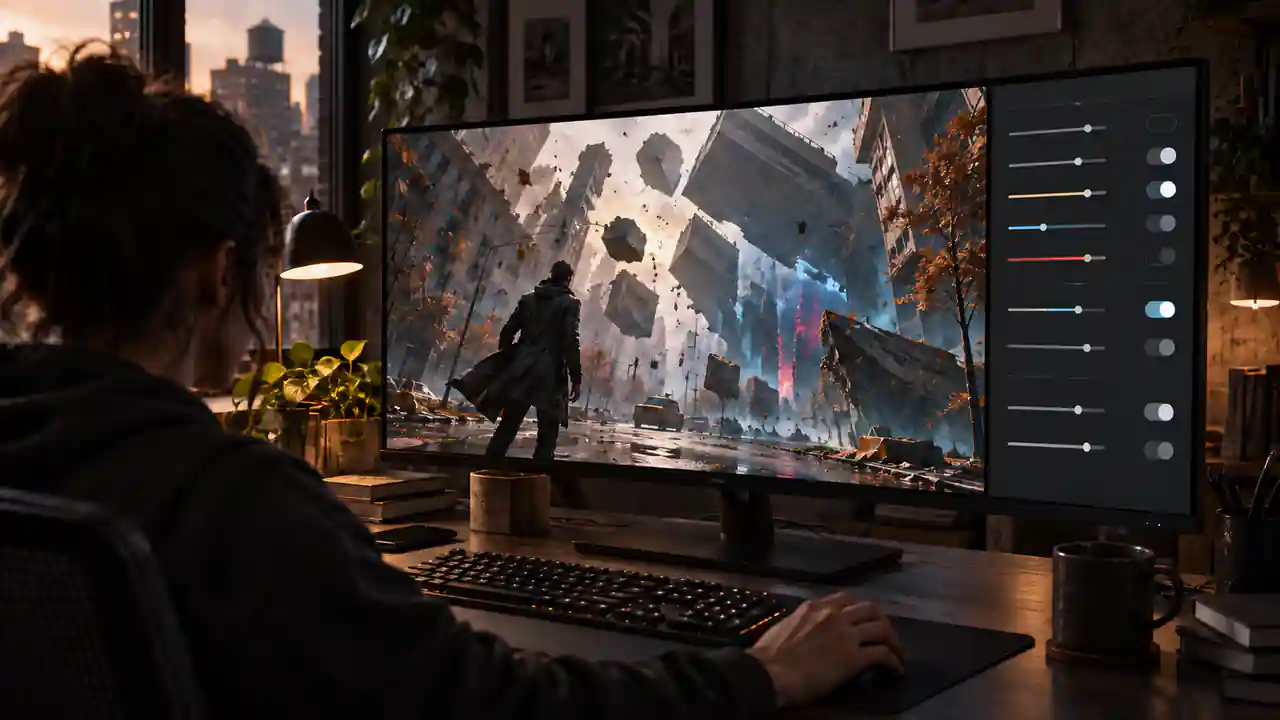
Start with Medium, Balanced upscaling, and ray tracing off at the recommended 1440p tier.
Keep frame generation off while establishing the baseline, restart after every ray-tracing quality change, and test one adjustment at a time in the same demanding route. Radeon RX 7000/9000 owners should also check Remedy's current warning before blaming a setting.
This guide covers PC version 1.3.3 as checked on 30 September 2026. It turns official hardware targets, current known issues, driver notes, independent testing, and recurring player reports into a controlled setup workflow. It is not a TaskUp hardware benchmark.
The best baseline settings
Begin with the official profile closest to your hardware rather than copying an Ultra list. Remedy targets 1440p at 60 fps on its recommended tier with Medium quality, Balanced upscaling, and ray tracing off. That is the most defensible general starting point.
| Setting | TaskUp baseline | Why |
|---|---|---|
| Output resolution | Native | Keeps the final image and interface sharp; use the upscaler to manage internal resolution. |
| Upscaling | Quality at 1080p, Balanced at 1440p, Performance at 4K | Matches Remedy's published starting profiles. Move one step at a time if the GPU remains saturated. |
| Overall quality | Medium | The official recommended 1440p/60 profile starts here. Low suits minimum-class hardware; High needs real headroom. |
| Ray tracing | Off for the first test | Shows whether conventional rendering is stable before adding a major cost. |
| Frame generation | Off for the first test | Keeps diagnosis tied to real rendered frames. Add it only after base input and frame delivery feel stable. |
| Frame limit | A target the PC can hold | Consistent delivery is more useful than a high average with repeated drops. |
| V-Sync / VRR | Verify VRR first; compare V-Sync if needed | Remedy describes a display-dependent tradeoff. There is no universal toggle for every monitor. |
| Motion blur | Preference; off for the clearest diagnostic view | This is mainly a comfort and clarity choice, not a promised performance fix. |
Confirm Windows is using the intended monitor refresh rate. The game has an uncapped frame rate, but the display setting, in-game cap, VRR range, and V-Sync choice still need to agree.
Use Remedy's hardware tiers honestly
All published tiers call for 16 GB of RAM and a 120 GB SSD. Minimum targets 1080p/30 at Low with Quality upscaling and RT off. Recommended moves to 1440p/60 at Medium with Balanced upscaling. The non-RT enthusiast profile uses 4K/60, High, and Performance upscaling.
Ray tracing has separate, steeper profiles. The official RT recommendation pairs 1440p/60, Medium and RT Medium with an RTX 4070 Ti- or RX 9070-class GPU. The path-tracing enthusiast target is 4K/60 High/RT High on an RTX 5080-class card with Performance upscaling. Path tracing is an optional high-end mode, not part of a universal recipe.
Tune in this order
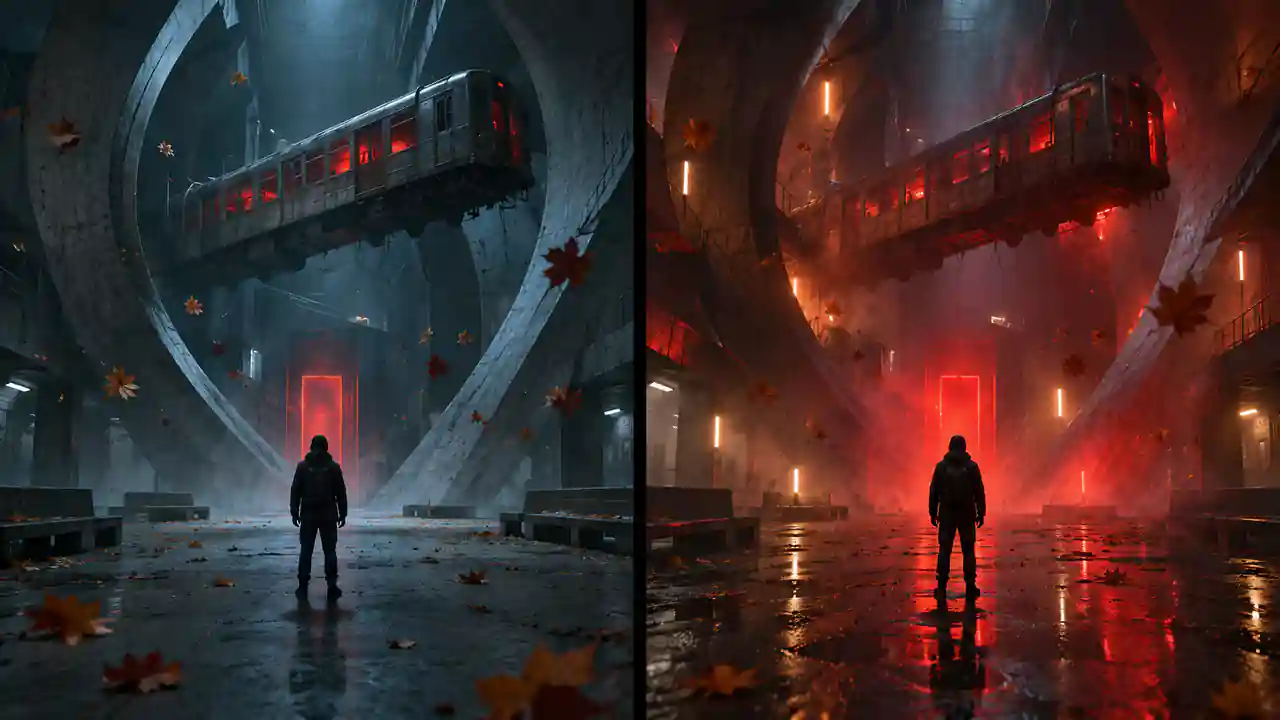
- Build a clean baseline. Use the matching official preset, keep RT and frame generation off, then run the same demanding route or encounter for five to ten minutes.
- Choose a sustainable cap. A stable 60 can feel better than an uncapped average that swings through traversal and combat. Do not pick a cap from the monitor number alone.
- Lower the expensive layer first. Reduce or disable RT before sacrificing the core scene. Next trim reflections, secondary shadows and volumetrics, then lower the overall preset.
- Move the upscaler one step. Quality to Balanced or Balanced to Performance is controlled. Very low internal resolution can break up fine geometry in motion.
- Add frame generation last. It can improve displayed smoothness on supported hardware, but it does not repair an unresponsive base frame rate or streaming hitch.
Independent testing reinforces this order: the game remains demanding at high settings without RT, and RT Medium adds substantial cost, yet the non-RT presentation retains much of the visual character. Those observations come from external testing, not TaskUp measurements.
Restart after changing ray tracing
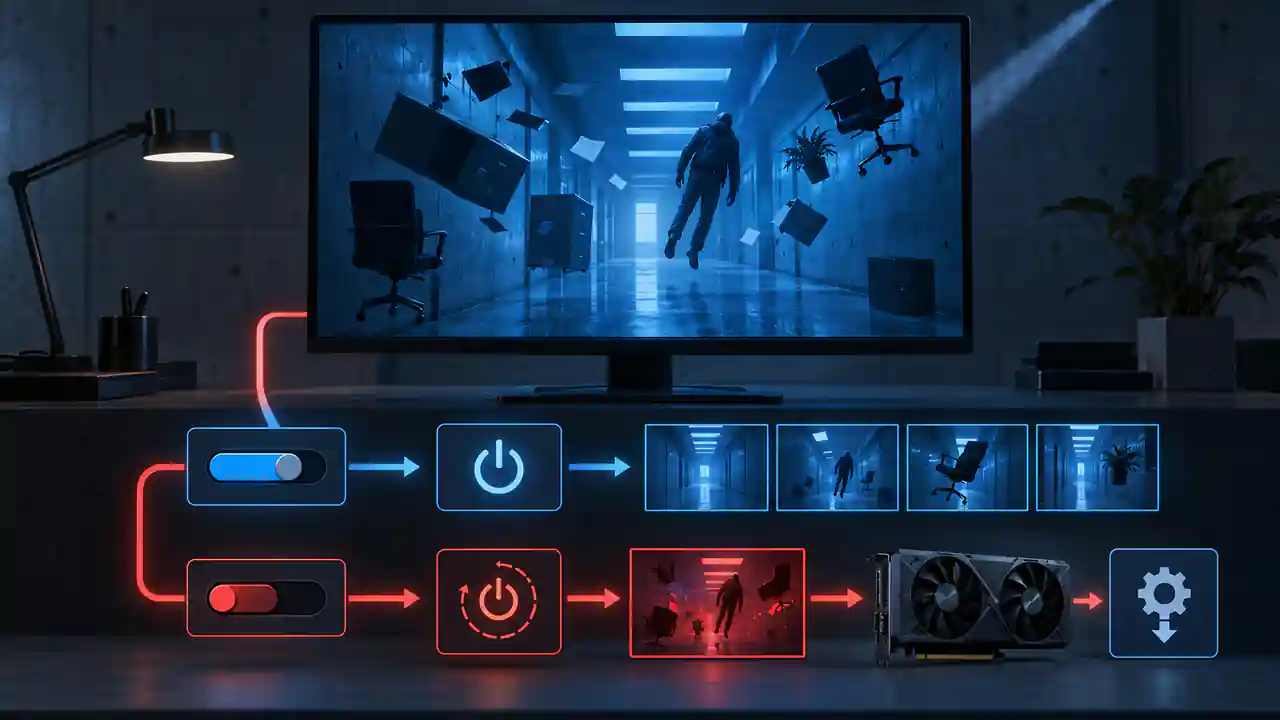
Remedy lists a specific issue in which changing ray-tracing quality can cause a significant frame-rate drop. The official workaround is to restart the game after changing the setting. Because the value is saved, the restart is part of the comparison.
Change the level, exit and restart, then replay the same route. Otherwise the documented state problem can distort the result.
The Radeon RX 7000/9000 warning still matters
AMD Adrenalin 26.9.2 Optional lists new game support for CONTROL Resonant. It is worth installing for an affected desktop Radeon system, but it is not a documented all-clear. Remedy's current known-issues post still acknowledges problems on RX 7000- and RX 9000-series GPUs.
If a conservative preset, current driver, full restart and repeatable test do not materially change the same hitch, stop assuming another graphics toggle will solve it. Record the GPU, driver, resolution, preset, RT state, upscaler and location, then compare the current Remedy and AMD notes.
HDR, ultrawide and image-quality caveats
Turn HDR off temporarily if the image looks unusually oversaturated; Remedy lists that as an open issue. Ultrawide is supported, but executions can currently show black bars. Live-action video can also tear. These faults should not send you into a full graphics reset.
At 1080p, begin with Quality upscaling. At 1440p, Balanced is the official recommended start. At 4K, Performance is part of Remedy's published target. Compare fine geometry in actual movement rather than judging only a static menu.
Settings problem or patch problem?
- Lower RT or preset produces a clear improvement
- The problem follows resolution or upscaling changes
- A lower cap steadies frame delivery
- A restart after an RT change restores performance
- The same traversal hitch survives large quality reductions
- The RT-setting drop persists until restart
- The system is in Remedy's named Radeon families
- The symptom matches the current HDR, ultrawide or video issues
Avoid beginning with registry edits, replacement DLLs, copied control-panel profiles or broad driver rollbacks. Current player reports are mixed, and those interventions can create a second problem before the first is understood.
The practical recommendation
Use Medium, Balanced upscaling and RT off as the general 1440p baseline. Keep frame generation off, restart after RT changes, and validate the same route. When stable, add cost in this order: higher preset details, then RT, then frame generation. Stop when the machine no longer holds the chosen base target cleanly.
On minimum-class hardware, follow Remedy's 1080p/30 Low/Quality profile. On high-end hardware, treat path tracing as optional. On RX 7000/9000 hardware, install the current supported driver but keep the official warning in the decision.
If you are deciding whether the current build is worth troubleshooting at all, read TaskUp's CONTROL Resonant play-now-or-wait verdict.
CONTROL Resonant PC settings FAQ
What are the best settings for 1440p?
Start with Medium, Balanced upscaling and RT off. That matches Remedy's recommended 1440p/60 profile. Choose a sustainable cap and add RT or frame generation only after the base result is stable.
Should I use ray tracing?
Only after the non-RT baseline is stable. The RT profiles require much stronger GPUs, and the current build needs a restart after RT quality changes to avoid a documented drop.
Should I enable frame generation?
Enable it after the real input frame rate already feels responsive. It can raise displayed smoothness, but it does not fix streaming hitches or an unstable low base rate.
Does AMD 26.9.2 fix Radeon performance?
AMD 26.9.2 lists new game support, but neither AMD nor Remedy documents it as a complete fix. Remedy's RX 7000/9000 warning is still present as of 30 September.
Why did performance drop after changing ray tracing?
That is a known issue. Save the setting, close the game and restart it before comparing the same route.
Is path tracing worth it?
It is a high-end option. Remedy's 4K/60 High/RT High target uses an RTX 5080-class GPU and Performance upscaling, so most systems should prioritize a stable conventional baseline.
Checked 30 September 2026 against Remedy's requirements, display/accessibility help and known-issues post; AMD 26.9.2 and NVIDIA guidance; independent 28-GPU testing; and recurring player reports. Official targets are attributed to Remedy, external observations remain attributed, and no number is presented as a TaskUp benchmark.
Based on Remedy CONTROL Resonant PC system requirements. Release timing, balance, and features may change after publication.

Daniel Cho
Benchmarks demanding releases, traces frame-time problems, and turns settings, patches, and hardware trade-offs into practical PC advice.
Continue reading · PC games